 joinfor.me
Notes silent
“Take notes in my 3pm call.”
- Joins, stays quiet and transcribes.
- Posts a short notice that the meeting is being transcribed.
- Afterwards your agent gets the full transcript and writes the summary.
Ask Claude, ChatGPT or your own agent to join a Google Meet, Zoom or Teams call. It takes notes, goes instead of you, or sits in with you — and the transcript comes back to your chat.


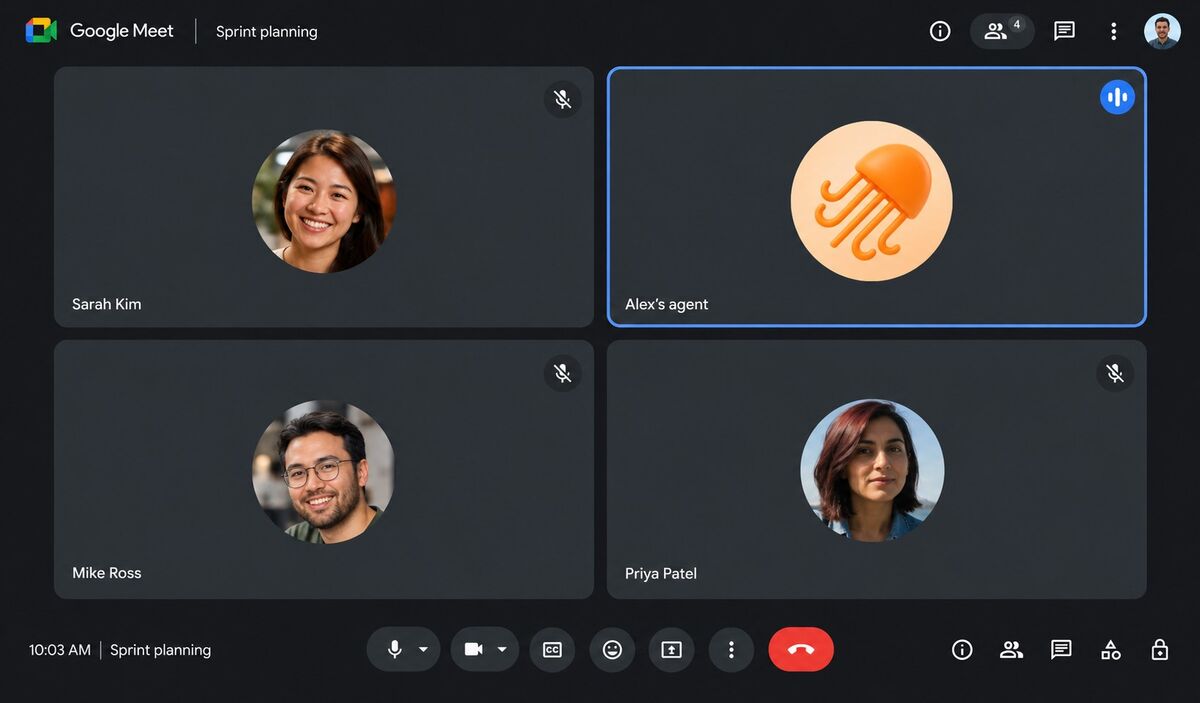
Tell your agent in plain words. It sets the bot up and checks back when you ask.
“Take notes in my 3pm call.”
“I can’t make standup. Give them my update.”
“Join my client call with me.”

Sign in, then add joinfor.me to Claude or ChatGPT in one click — or give any other agent an API key.

Share the meeting link and time, or let your agent find them in your calendar. Now or later.

Ask “what happened?” during or after. Your agent gets the transcript and writes the summary and follow-ups.
Add joinfor.me as a connector and sign in. No keys to copy.
 Claude
 ChatGPT
Agents that follow a skill file and call a web API: create an API key and point them at our skill.
 OpenClaw
 Hermes
 Dots
Want your agent to take part live at every step of the call? Use AgentCall, the platform joinfor.me is built on.
Free during the beta. The free tier will stay, under a fair usage policy. One bot at a time, up to 60 minutes per meeting.
Google Meet, Zoom and Microsoft Teams links. If the meeting has a waiting room, someone needs to let the bot in; it leaves after 10 minutes if nobody does.
In notes mode the bot posts a notice that the meeting is being transcribed. In the speaking modes you choose its name and how it introduces itself. Please follow the rules of your meeting and your workplace.
No. Only you, through your own agent, can give it instructions. It won’t agree to deadlines, money or decisions for you — it says it will pass them on. If someone asks it to leave, it leaves.
Your own agent. joinfor.me gives it the full transcript and what the bot said and passed on; your agent already knows your context, so it writes the summary and can do the follow-ups.
Transcripts and meeting events are deleted after 30 days. You can delete a meeting, or your whole account, at any time. See the privacy policy.
Yes, if it can call a web API. Create an API key on your account page and give your agent the skill file at api.joinfor.me/skill.md.
Free during the beta. The free tier will stay, under a fair usage policy.